Voice Anywhere is a beautiful floating microphone that converts your speech to text and types it into any application instantly. Fast, accurate, and always accessible.
Languages
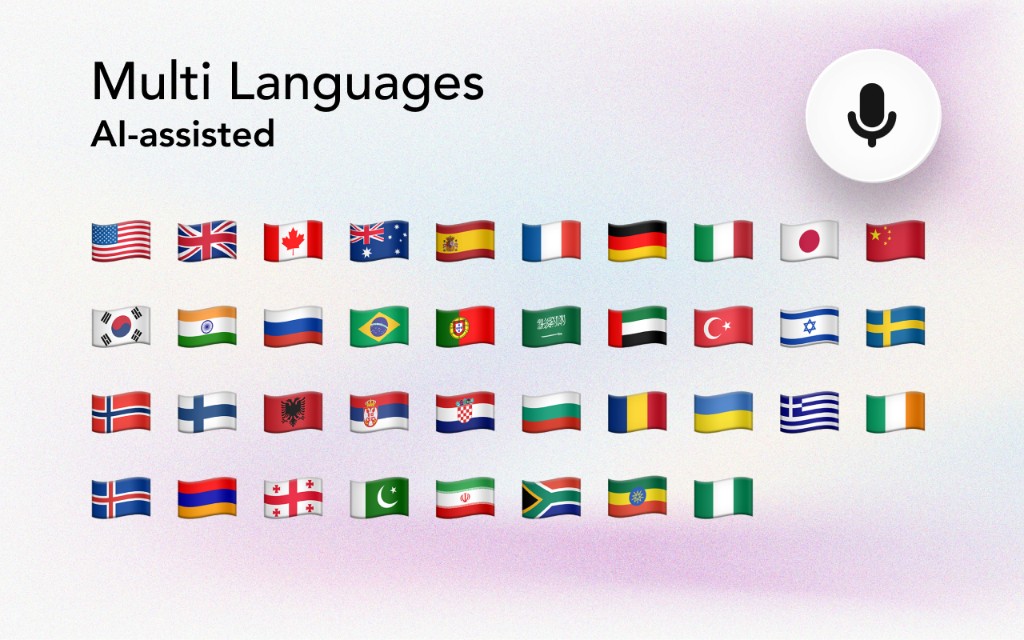
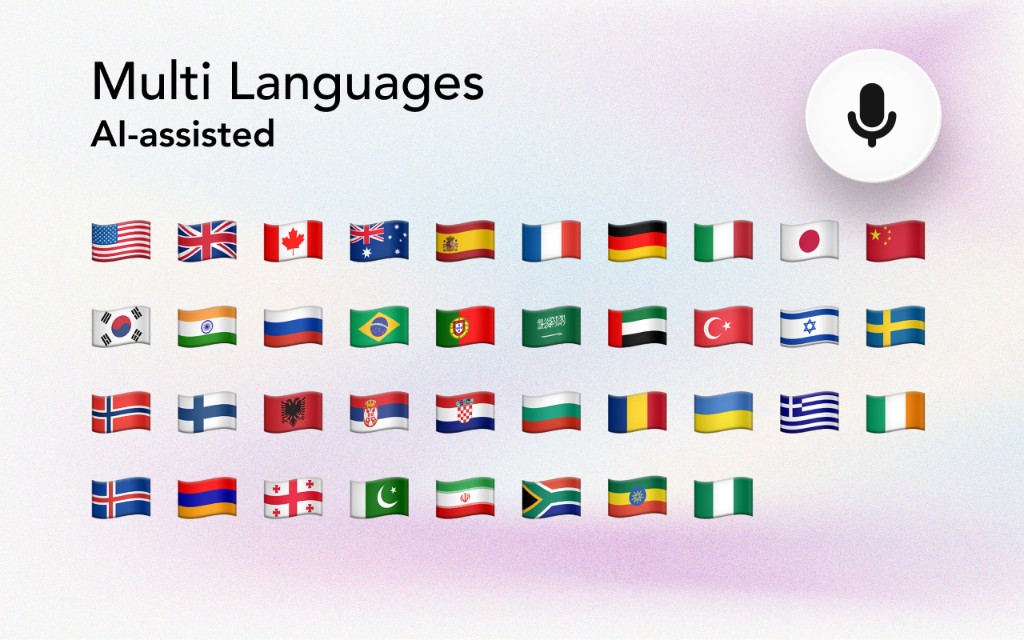
Voice Anywhere supports over 70 languages with AI-powered recognition. Switch languages instantly with a single click.
Screenshots
A beautiful, unobtrusive interface that works everywhere.
Features
Designed to stay out of your way while being there when you need it.
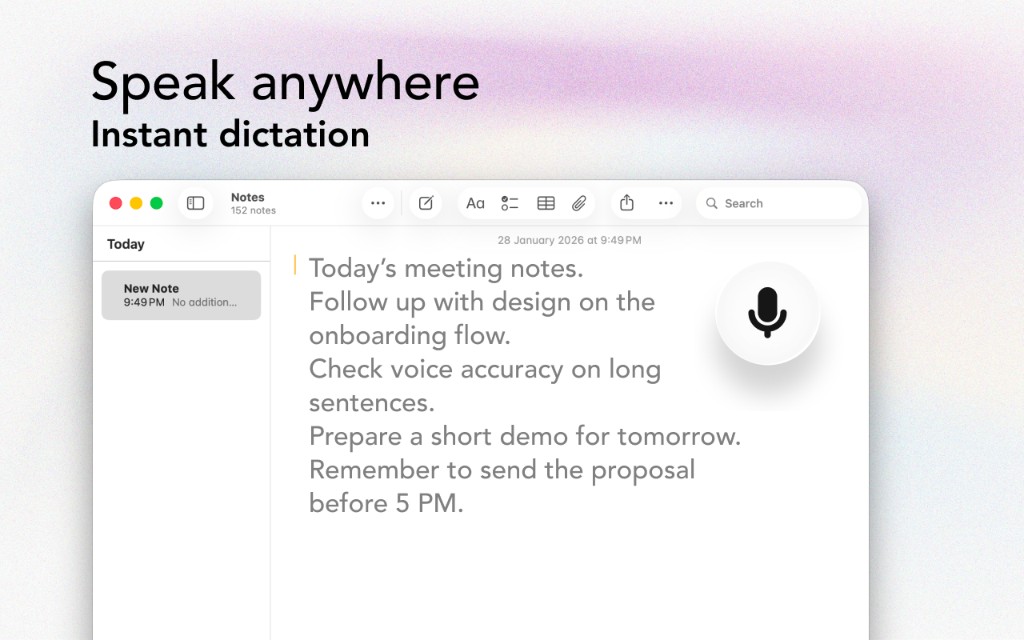
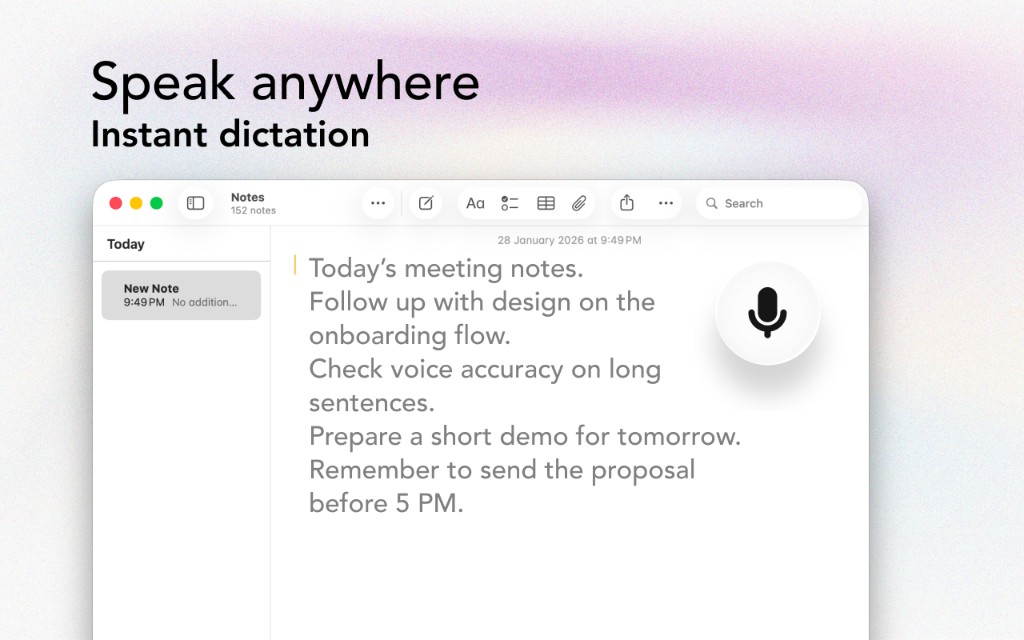
Click the floating button and start speaking. Your words appear instantly wherever your cursor is - in any app, any text field.
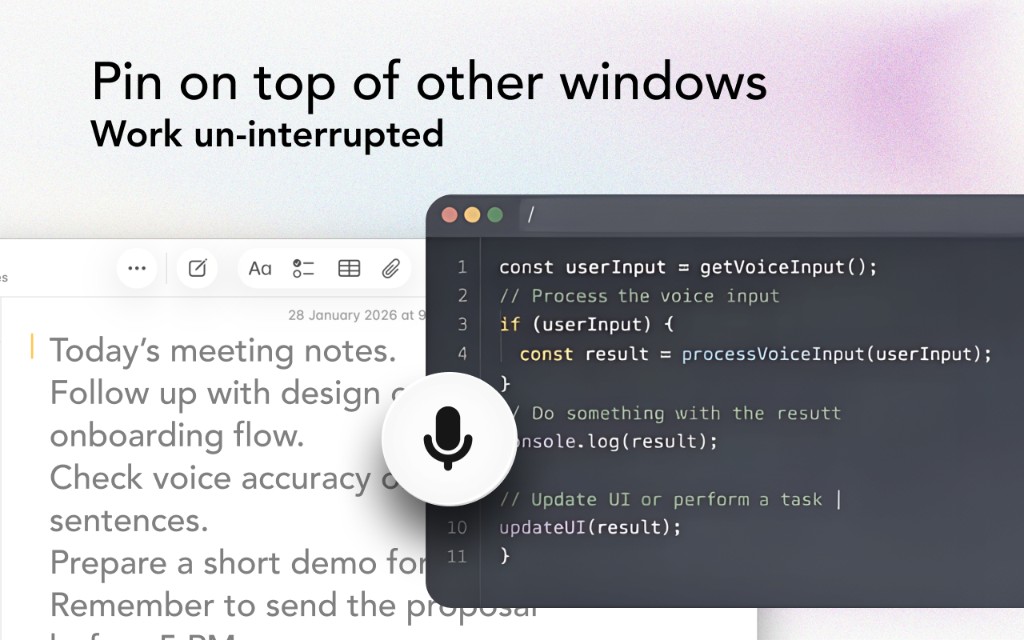
The beautiful glass button stays pinned above all windows, so you can dictate while working in any application without switching contexts.
Speak in your native language or switch between languages on the fly. AI-powered recognition for accuracy in any language.
Built with SwiftUI and the new Liquid Glass design language, Voice Anywhere feels right at home on macOS Tahoe.
On-device Apple Speech recognition means zero latency for supported languages. Cloud fallback for everything else.
Apple's on-device recognition never leaves your Mac. Cloud processing is encrypted and never stored.
Pricing
Try it free, then upgrade when you're ready.
Get started with Voice Anywhere
Unlimited dictation for everyone
Explore
Guides, comparisons, and resources to help you get the most out of dictation.
See how Voice Anywhere stacks up against Whisper, Dragon, and other dictation tools.
View comparisons →Learn how to dictate on Mac, improve accuracy, and master speech-to-text.
Read guides →Discover how writers, developers, doctors, and more use Voice Anywhere.
Explore use cases →Dictate in 70+ languages with on-device and cloud processing options.
Browse languages →Download Voice Anywhere for free and experience the future of dictation on macOS.
Download for Mac (DMG)Requires macOS 13.0 or later • 2.2 MB