Voice Anywhere for Customer Support
Handle more tickets with less strain. Dictate replies quickly while keeping responses clear and human.
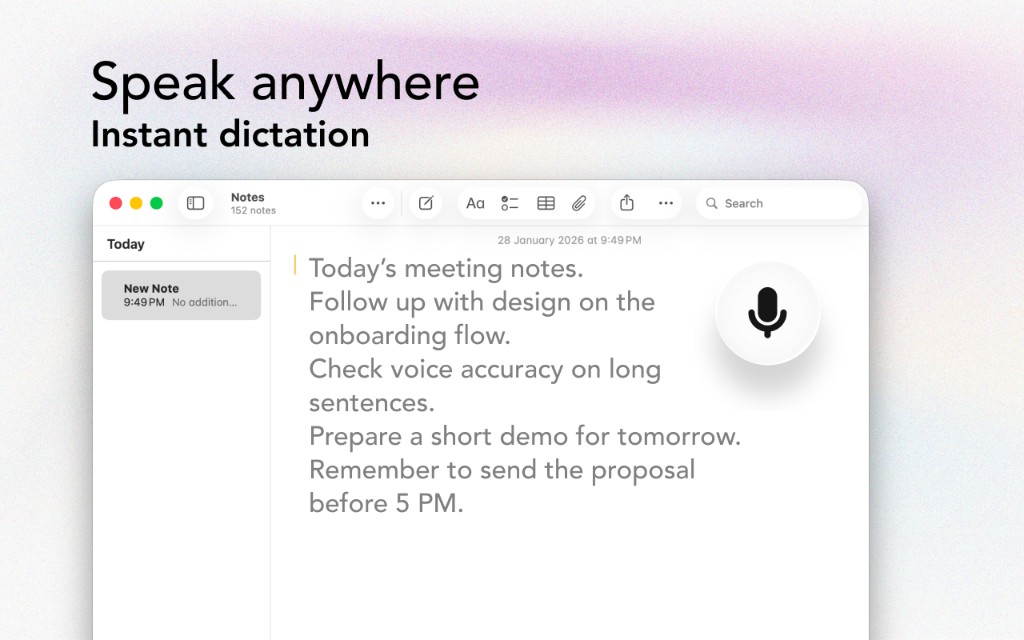
Handle more tickets with less strain. Dictate replies quickly while keeping responses clear and human.
The Problem
Every ticket is another paragraph to type
High volume means nonstop typing, which is exhausting and slows response times.
Troubleshooting and step-by-step responses can be long and repetitive to type.
Typing all day leads to errors, slower work, and burnout.
Support responses should feel human. Speaking often creates a warmer tone.
The Solution
Designed with support teams in mind
Dictate the response quickly, then edit lightly. You’ll respond faster and stay consistent.
Verbal explanations are often clearer than typed ones because you naturally add helpful context.
Use your voice for paragraphs and your keyboard for quick edits and links.
Dictate into Zendesk, Intercom, Help Scout, and any web app on Mac.
Workflow
Get started in minutes, not hours
Click into the reply field in your support tool.
Speak your troubleshooting steps clearly and in order.
Insert links to docs and attach screenshots after dictating.
Quick review, send, next ticket.
Integrations
Voice Anywhere types directly into any application
"Dictating ticket replies doubled my throughput. I stay friendly and clear without spending all day typing."
Join thousands of support teams who use Voice Anywhere to work faster and smarter.
Download for Mac - Free