Voice Anywhere for Remote Workers
Type less, communicate more. Voice Anywhere helps remote workers stay connected without constant typing.
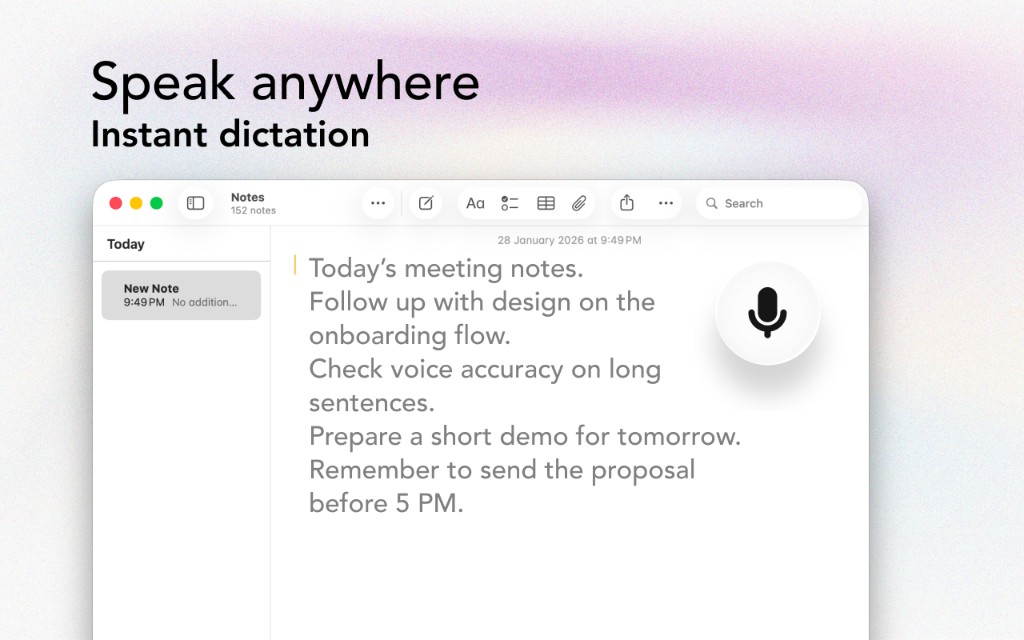
Type less, communicate more. Voice Anywhere helps remote workers stay connected without constant typing.
The Problem
Working from home means typing from home
Remote work means constant Slack communication. Typing messages all day is exhausting.
Without quick office conversations, everything becomes an email. Your typing workload multiplies.
After every Zoom call, you need to write summaries, action items, and follow-up messages.
Your home setup might not be ideal. Long typing sessions cause more strain than in an office.
The Solution
Designed with remote workers in mind
Dictate Slack messages and emails in seconds. Stay responsive without constant typing.
Dictate meeting notes and follow-ups while they're fresh. No more after-hours documentation.
Voice Anywhere's floating button works whether you're at your desk, on the couch, or at a coffee shop.
Give your hands regular breaks by dictating some of your communication throughout the day.
Workflow
Get started in minutes, not hours
Voice Anywhere launches automatically. The floating mic is ready when you are.
As messages come in, dictate quick responses instead of typing them.
After calls, dictate notes and action items immediately.
Because you've typed less, you finish the day less fatigued.
Integrations
Voice Anywhere types directly into any application
"Remote work doubled my typing. Voice Anywhere cut it in half. I respond to Slack messages instantly by speaking instead of typing."
Join thousands of remote workers who use Voice Anywhere to work faster and smarter.
Download for Mac - Free