Voice Anywhere for Developers & Programmers
Save your keystrokes for code. Use Voice Anywhere for documentation, comments, commit messages, Slack, and all the other writing developers do.
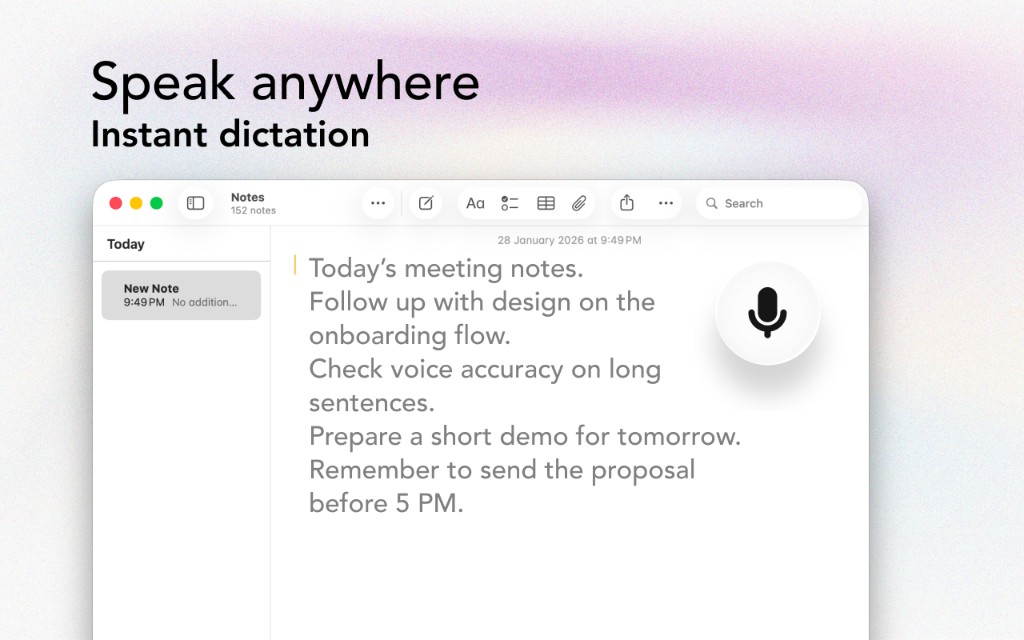
Save your keystrokes for code. Use Voice Anywhere for documentation, comments, commit messages, Slack, and all the other writing developers do.
The Problem
Code all day, then type docs? There's a better way.
You know you should write better docs, but after coding all day, the last thing you want is more typing.
Slack messages, PR descriptions, email responses - non-coding communication takes hours of typing.
Typing code all day is hard on your hands. Adding more typing for docs and communication makes it worse.
Stopping to write a detailed commit message or PR description breaks your coding flow.
The Solution
Designed with developers in mind
Speak your README files, API docs, and code comments. Explaining verbally often results in clearer documentation.
Dictate Slack messages, GitHub comments, and emails in seconds. Get back to coding faster.
Speak detailed commit messages without breaking your flow. Your future self will thank you.
Reserve your typing energy for code. Use your voice for everything else and reduce RSI risk.
Workflow
Get started in minutes, not hours
The floating mic stays out of your way while coding. It's there when you need it.
Need to respond to Slack or write a PR description? Click the mic instead of typing.
Speak your message as you would explain it to a colleague. Voice Anywhere handles the rest.
Your message is sent, your hands are rested, and you're back in the zone.
Integrations
Voice Anywhere types directly into any application
"I use Voice Anywhere for all my non-code writing. PR descriptions, Slack messages, documentation - it saves my hands for actual programming."
Join thousands of developers who use Voice Anywhere to work faster and smarter.
Download for Mac - Free