Voice Anywhere for Sales
Move deals forward faster by speaking your follow-ups and notes. Spend more time selling, less time typing.
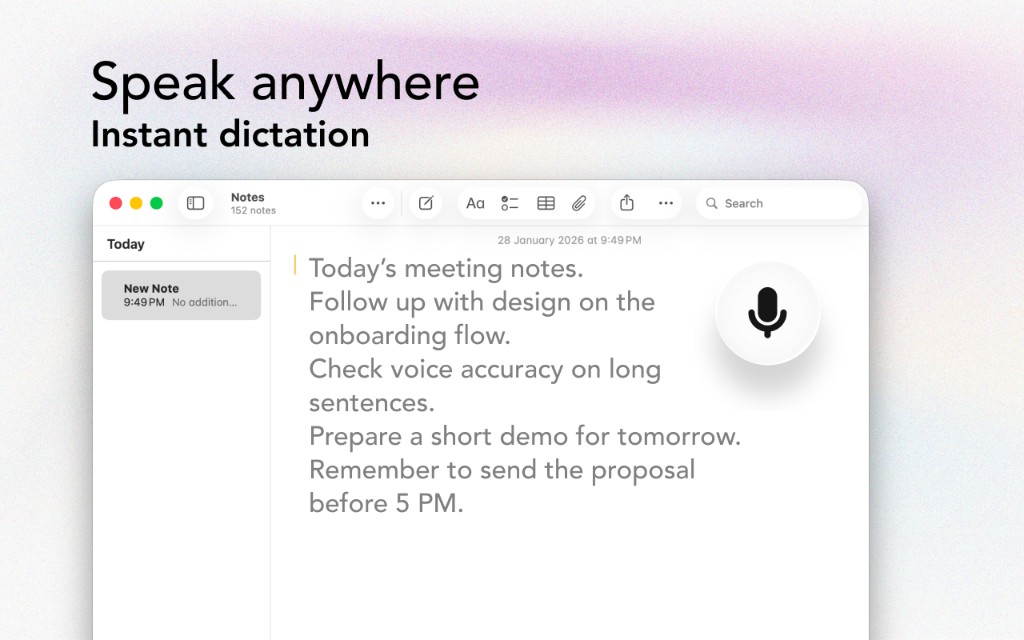
Move deals forward faster by speaking your follow-ups and notes. Spend more time selling, less time typing.
The Problem
And communication means typing — a lot of it
Writing personalized follow-ups takes time and often delays outreach.
When notes are painful to type, they don’t get recorded — and pipeline hygiene suffers.
The faster you respond, the more deals you win. Typing slows response time.
Sales writing adds to typing load from meetings, chat, and admin work.
The Solution
Designed with sales teams in mind
Dictate a thoughtful follow-up in 60 seconds, then send.
Dictate call notes immediately after a meeting while details are fresh.
Dictated emails often sound more human and persuasive.
Don’t switch into “writer mode”. Speak your message and keep moving.
Workflow
Get started in minutes, not hours
Click into the notes field in your CRM.
Capture what happened, pain points, and next steps.
Open Gmail or Outlook and dictate a short follow-up.
Quick review, send, then move to the next account.
Integrations
Voice Anywhere types directly into any application
"I dictate every follow-up now. It’s faster, sounds more personal, and I’m closing deals quicker because my response time improved."
Join thousands of sales teams who use Voice Anywhere to work faster and smarter.
Download for Mac - Free