Voice Anywhere for Code Comments & Documentation
Save your hands for code. Dictate documentation, comments, and PR descriptions quickly without breaking your flow.
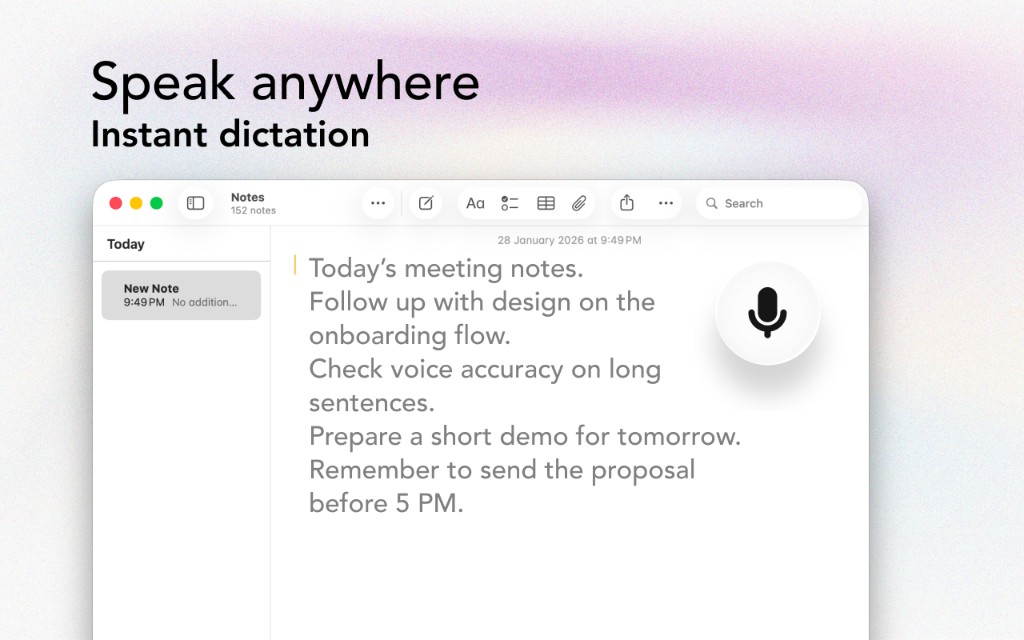
Save your hands for code. Dictate documentation, comments, and PR descriptions quickly without breaking your flow.
The Problem
Docs and comments matter — but they’re the first to slip
After a day of coding, writing documentation feels like extra work, so it often doesn’t happen.
Switching from coding to writing slows you down and breaks flow.
Developers already type all day. Extra typing for docs increases RSI risk.
Sometimes it’s easier to explain out loud than to craft perfect prose while typing.
The Solution
Designed with developers writing documentation in mind
Speak explanations as if you’re teaching a teammate. Dictated docs often read clearer.
Dictate PR context, test plans, and rollout notes in seconds.
Use voice for prose and reserve typing for code.
Dictate into editors, terminals, GitHub, Slack, Notion, and more.
Workflow
Get started in minutes, not hours
When the feature is done, keep your editor open and cursor in the doc/comment area.
Click Voice Anywhere and explain what changed and why.
Insert code snippets and formatting after dictating. Dictate the prose first.
Better documentation improves review speed and reduces future bugs.
Integrations
Voice Anywhere types directly into any application
"My PR descriptions got better overnight. Dictating helps me explain changes clearly without overthinking every sentence."
Join thousands of developers writing documentation who use Voice Anywhere to work faster and smarter.
Download for Mac - Free