Voice Anywhere for Multilingual Dictation
Write naturally in the language you think in. Switch languages quickly and dictate across apps without changing keyboard layouts.
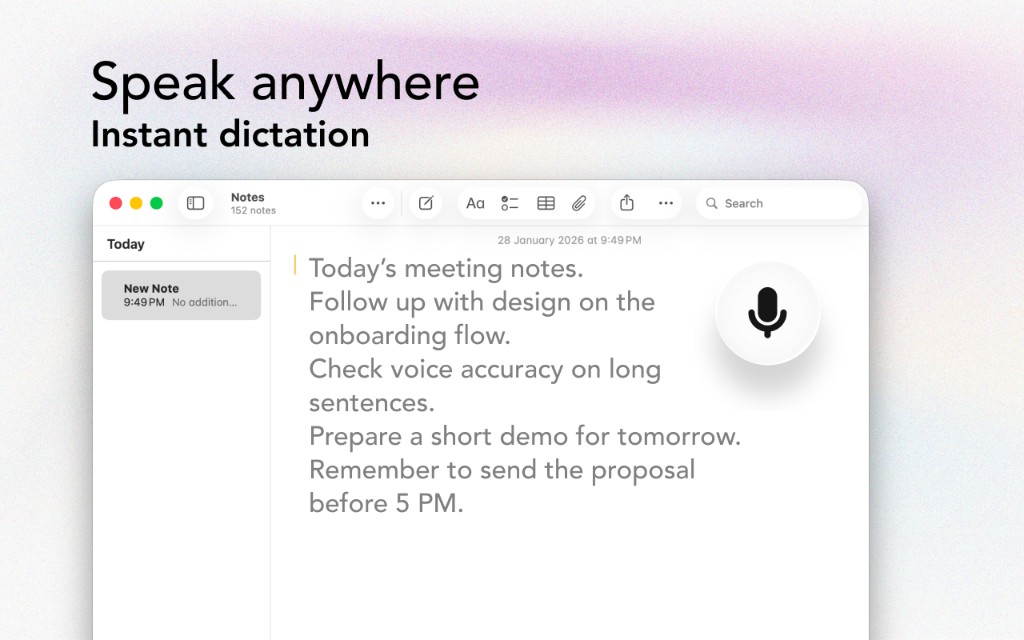
Write naturally in the language you think in. Switch languages quickly and dictate across apps without changing keyboard layouts.
The Problem
Switching keyboards and accents shouldn’t slow down your thoughts
Changing layouts for accents and characters breaks your flow and introduces errors.
Typing diacritics and non-Latin scripts is time-consuming, especially on a laptop keyboard.
If you message in one language and write documents in another, typing becomes constant friction.
Bilingual emails, notes, and chats are hard to write quickly without mistakes.
The Solution
Designed with multilingual users in mind
Voice Anywhere supports a wide range of languages so you can dictate in your preferred variant.
Switch languages quickly so you can stay in flow across different apps and contexts.
Speaking produces more natural phrasing and fewer spelling errors compared to keyboard layout juggling.
Use on-device processing where available for privacy, and cloud processing for broader support.
Workflow
Get started in minutes, not hours
Select the language you want to dictate in before you start speaking.
Dictate into email, docs, notes, and chat apps with the same floating mic.
Speak as you normally would in that language. Add punctuation as you go.
Change language between sessions to avoid mixed-language recognition issues.
Integrations
Voice Anywhere types directly into any application
"I work in English and Albanian every day. Dictation is the first time it’s felt effortless to write in both without fighting my keyboard."
Join thousands of multilingual users who use Voice Anywhere to work faster and smarter.
Download for Mac - Free